2-plan Software: What It Means For Your Planning
2-plan software is an ambiguous search term, so the first question is what it refers to in your context. It may point to a specific product name, a branded planning tool, or a general phrase for software used to create and manage plans. Before comparing options, it helps to confirm the exact tool, then judge whether its planning features match the way you work.
What it refers to
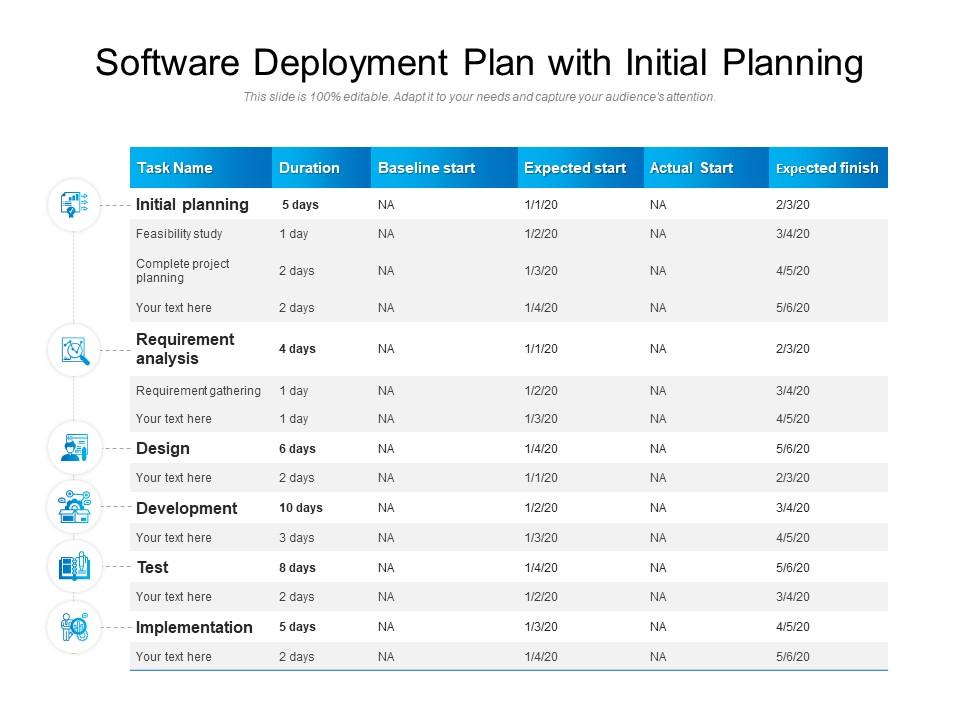
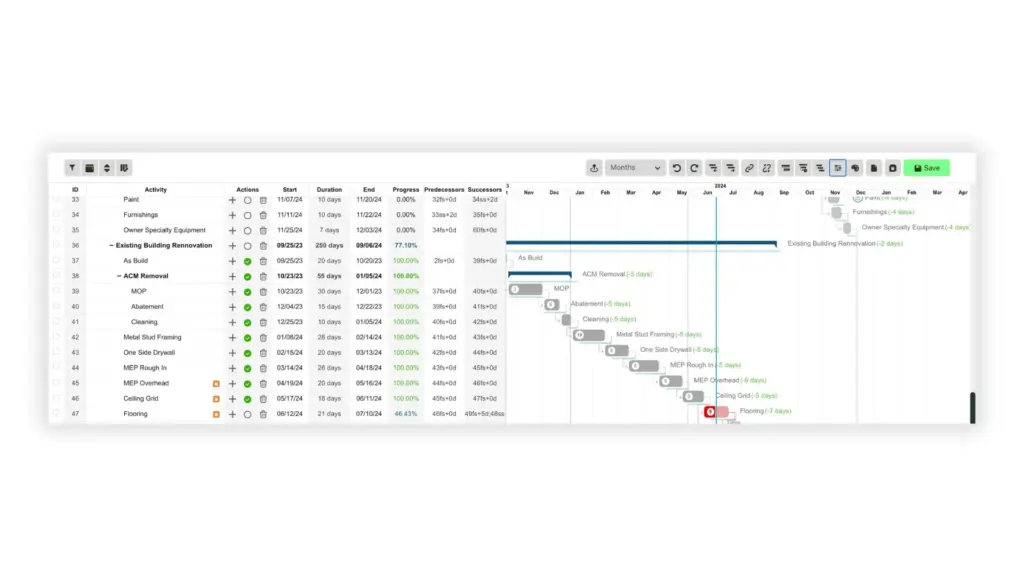
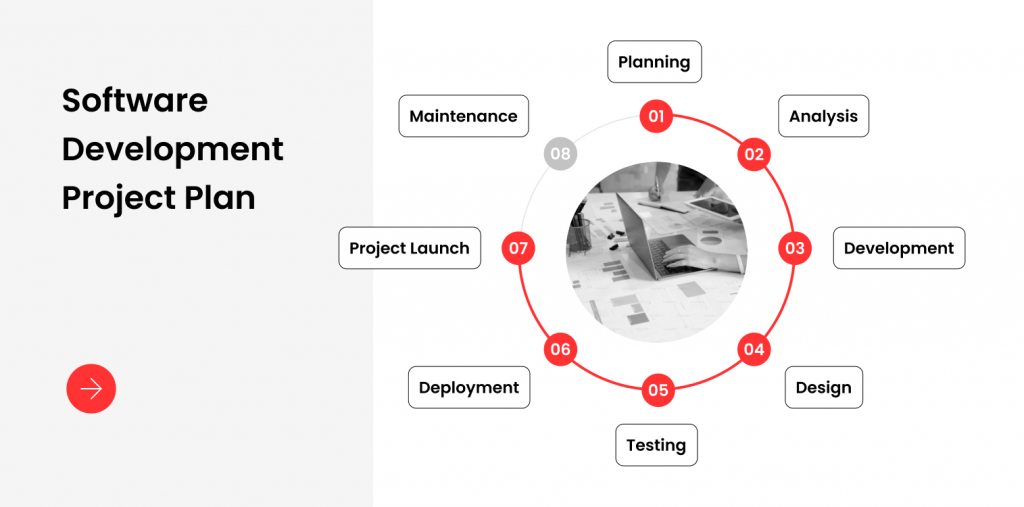
If 2-plan software is being used as a product name, the key is to identify the exact vendor and version before reading feature lists or reviews. If it is being used more generally, it may describe software for scheduling, task coordination, and plan tracking rather than a single platform. The main planning functions usually include creating timelines, assigning work, monitoring status, and keeping related information in one place. That makes it useful when you need visibility across people, milestones, and deadlines.
source: www.slideteam.net
source: www.outbuild.com
The right fit depends on how your team plans. For simple personal or small-team scheduling, a lighter tool may be enough. For cross-functional work, look for collaboration features such as shared editing, comments, permissions, and notifications. Also consider workflow needs: does the software support recurring plans, dependencies, approvals, or reporting? If those elements matter, the tool should reduce coordination overhead instead of adding another system to manage.
source: qarea.com
How to judge fit
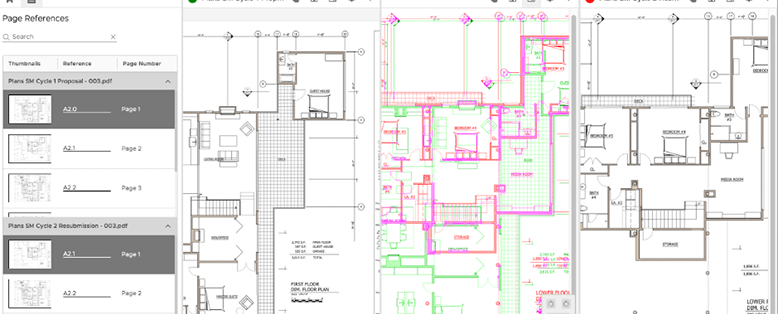
Platform fit is one of the most practical decision points. Check whether the software works on the devices and operating systems your team already uses, and whether it supports the deployment model you need, such as web-based access or desktop use. If your planning process depends on other tools, integrations can matter just as much. Calendar links, file sharing, and sync with task systems can save time, but only if they match your actual workflow and are supported reliably.
source: www.vision33.com
source: home.by.me
When comparing 2-plan software with alternatives, focus on the smallest set of features that will affect daily use. A polished interface matters less than whether people can actually adopt it, update plans quickly, and see what changed. If the software is for individual planning, prioritize speed and clarity. If it is for teams, prioritize collaboration, permissions, and accountability. The best choice is the one that fits your planning process with the least friction, not the one with the longest feature list.