42 Checklists: What They Cover And How To Use Them
42 checklists is a practical roundup of checklist-based tools meant to help readers move through common tasks with less guesswork. The value is in quick selection: instead of browsing a large library, you can scan the set by purpose and pick the checklist that matches the job at hand, whether that job is planning, reviewing, launching, or closing something out.
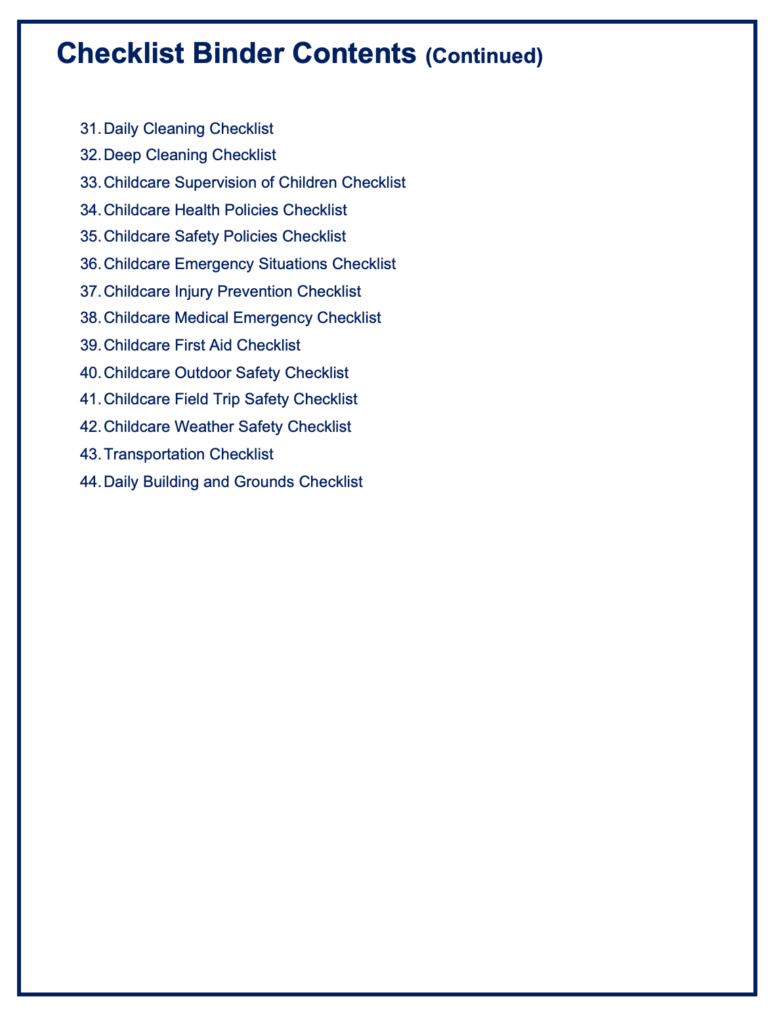
source: admin-4you.com
What the checklists cover
At a high level, the 42 checklists appear to cover everyday workflows that benefit from a step-by-step prompt. A useful way to think about them is by job type: planning and preparation, execution and coordination, review and quality control, and wrap-up or handoff. That makes them easier to sort than a single long list. If you are starting a project, use the planning checklist first; if the work is already underway, choose the coordination or review checklist instead.
The point is to match the checklist to the stage of work, not to use every checklist at once.
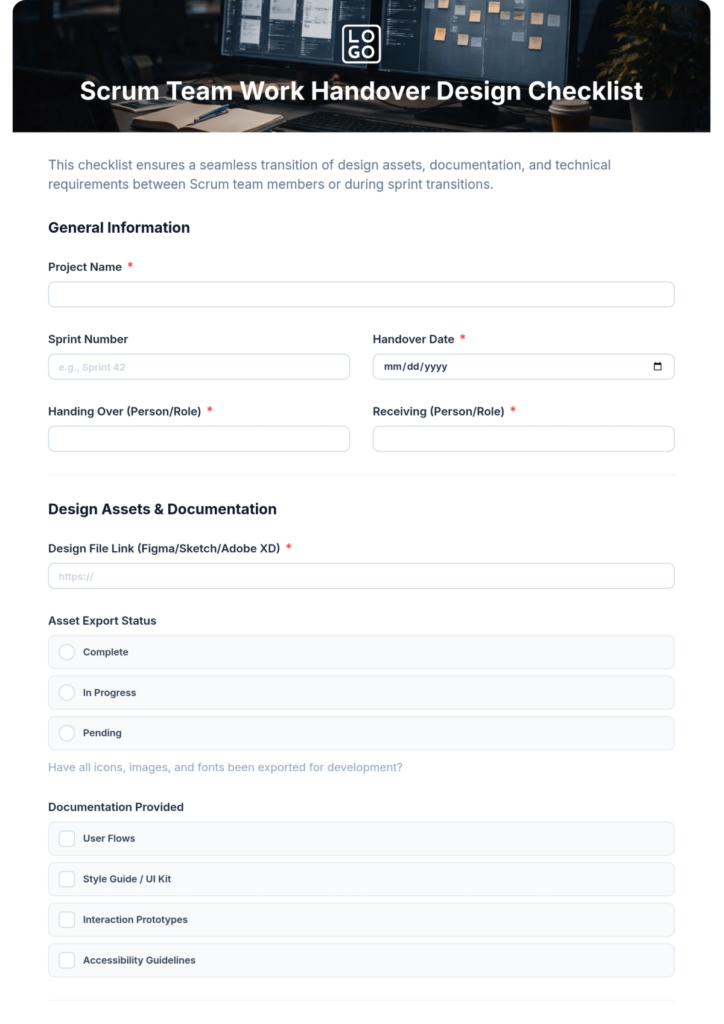
source: www.template.net
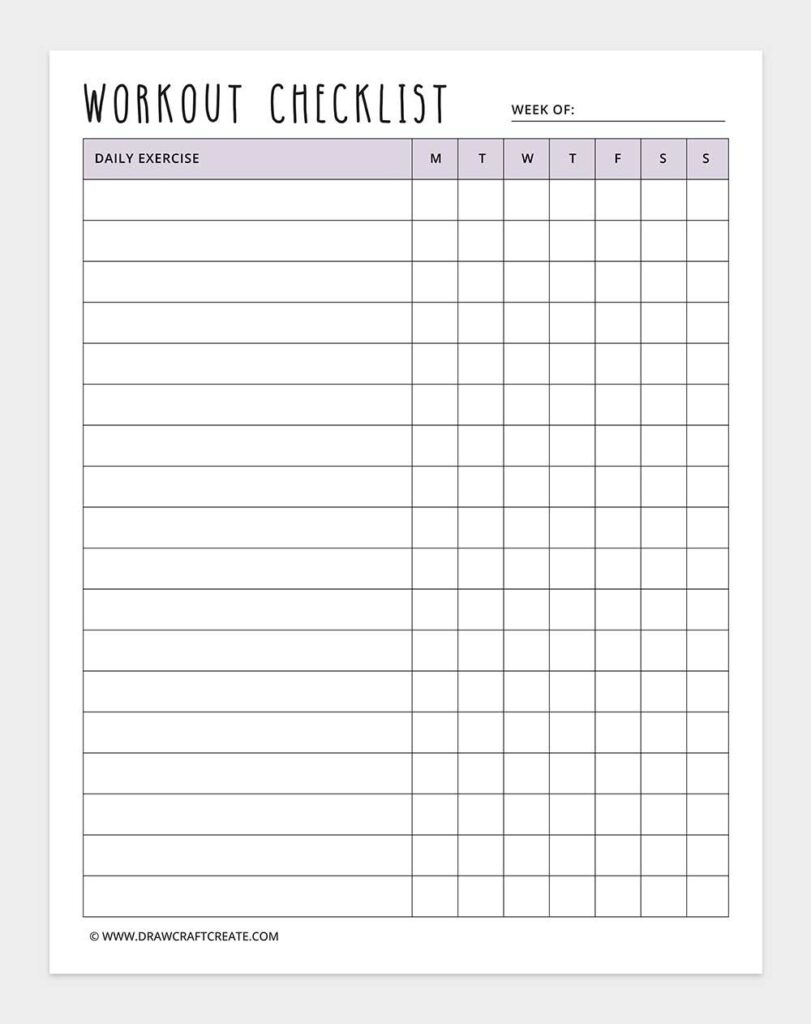
source: drawcraftcreate.com
For common tasks, the best use is as a fast reset. A checklist can help you catch missing steps before a launch, confirm owners and deadlines during a project, or make sure a recurring task is done the same way each time. If a checklist feels too detailed, trim it to the items that matter most for your version of the task. If it feels too light, add only the steps that prevent errors in your workflow. That way the checklist stays practical rather than becoming extra paperwork.
Using them well
The easiest way to work with 42 checklists is to choose one based on the outcome you need, then read it once before you begin. Use it as a prompt while working, not just as a form to complete after the fact. For repeat tasks, keep the same checklist so the process stays consistent. For one-off projects, adapt the steps to the scope, timeline, and people involved.
The main takeaway is simple: treat the checklist as a shortcut to clarity. Pick the right one, remove noise, and let it support the work instead of slowing it down.