2 Column Checklist Template For Quick Task Tracking
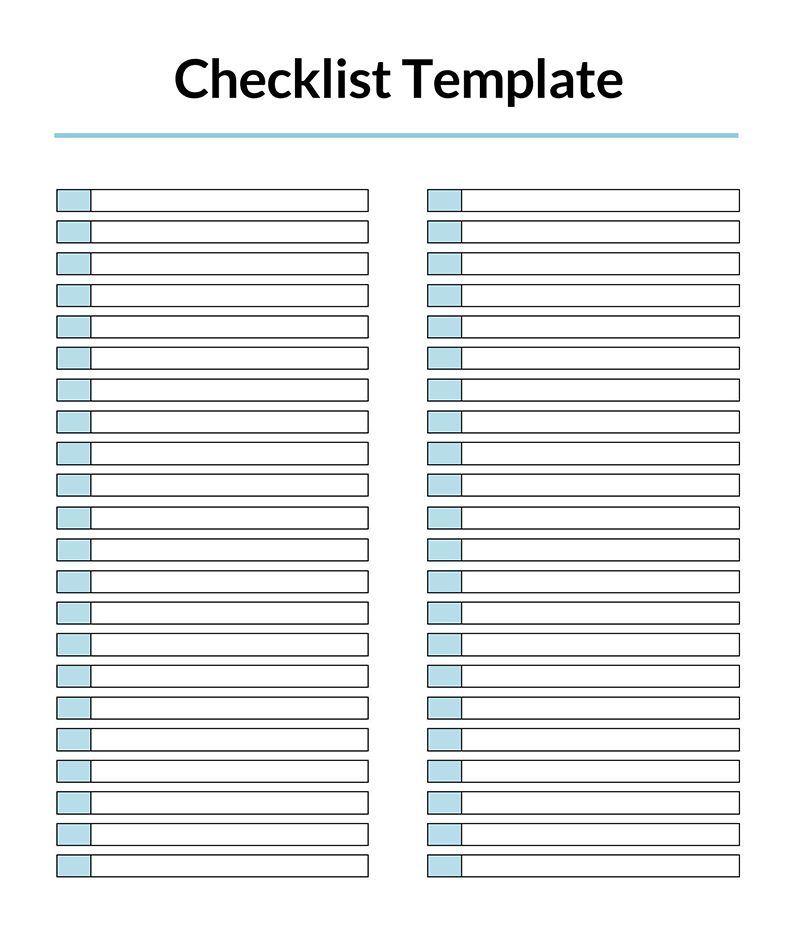
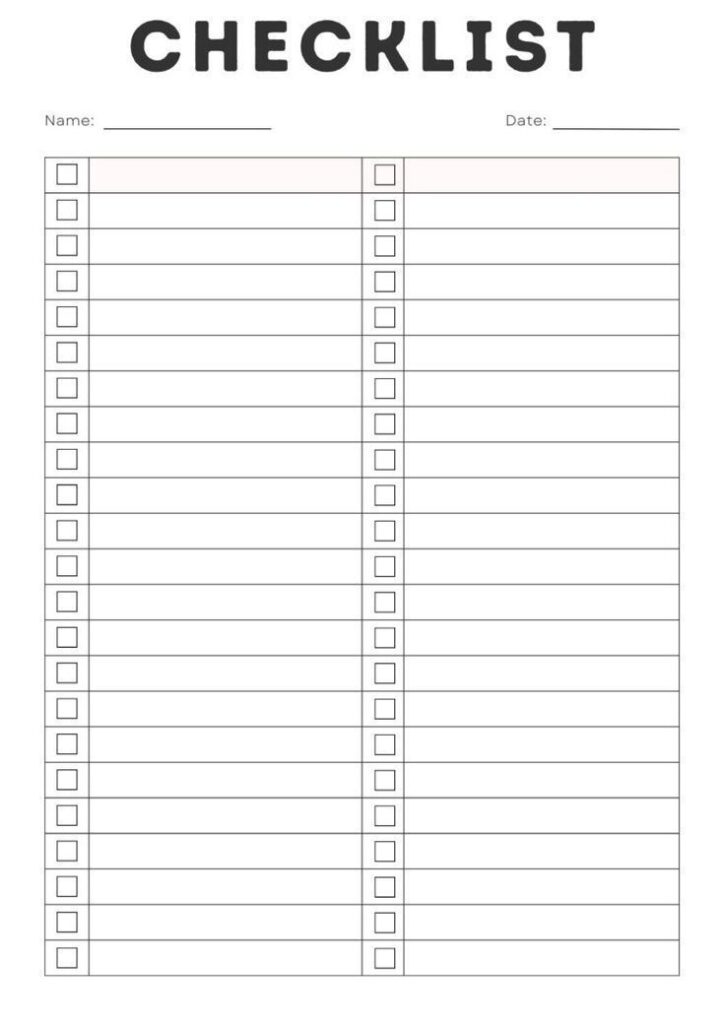
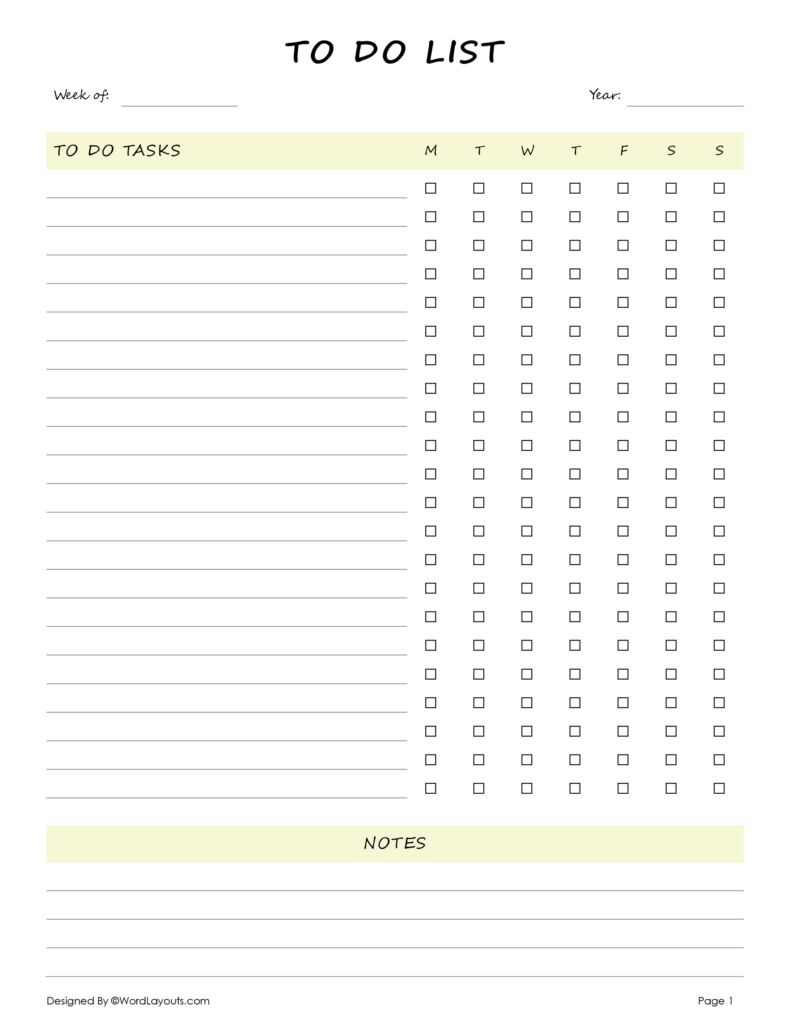
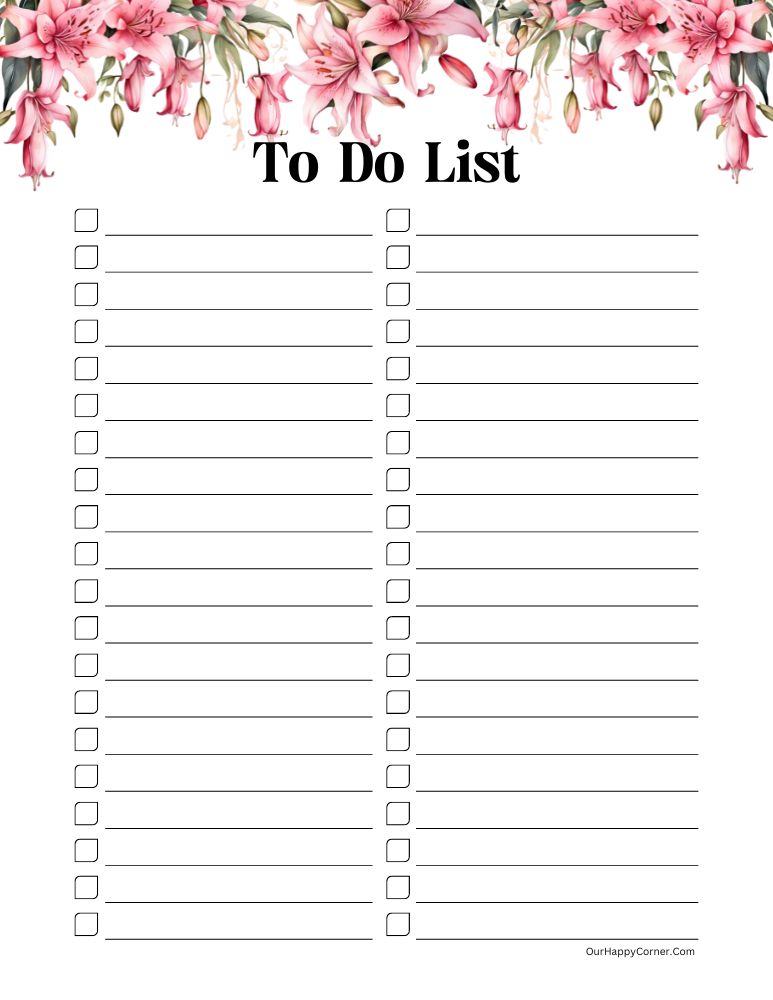
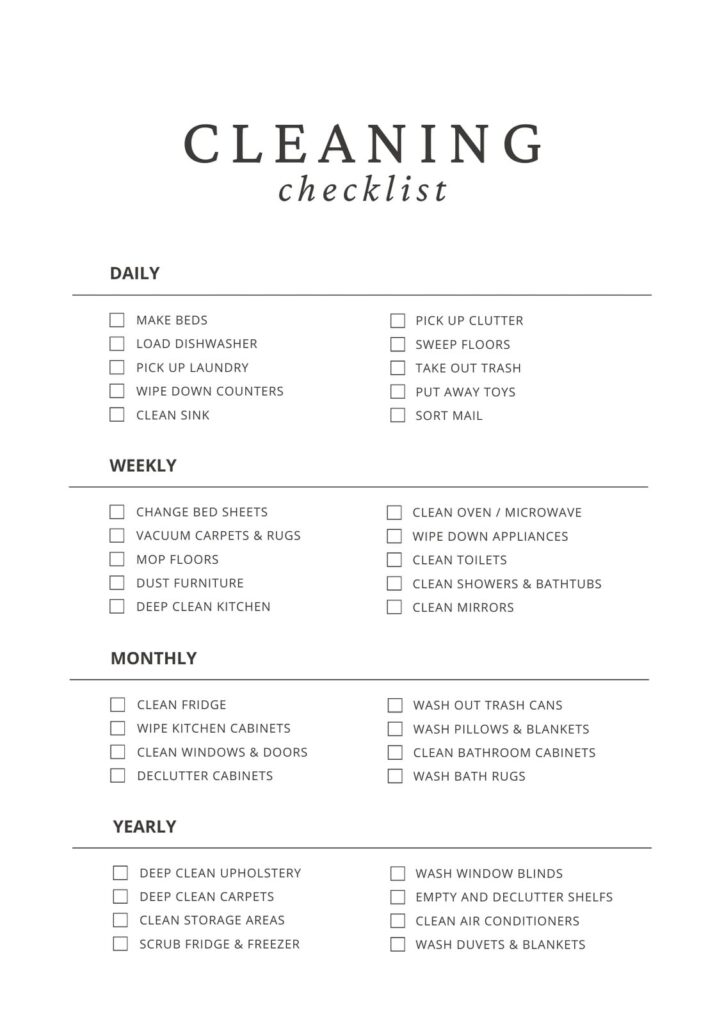
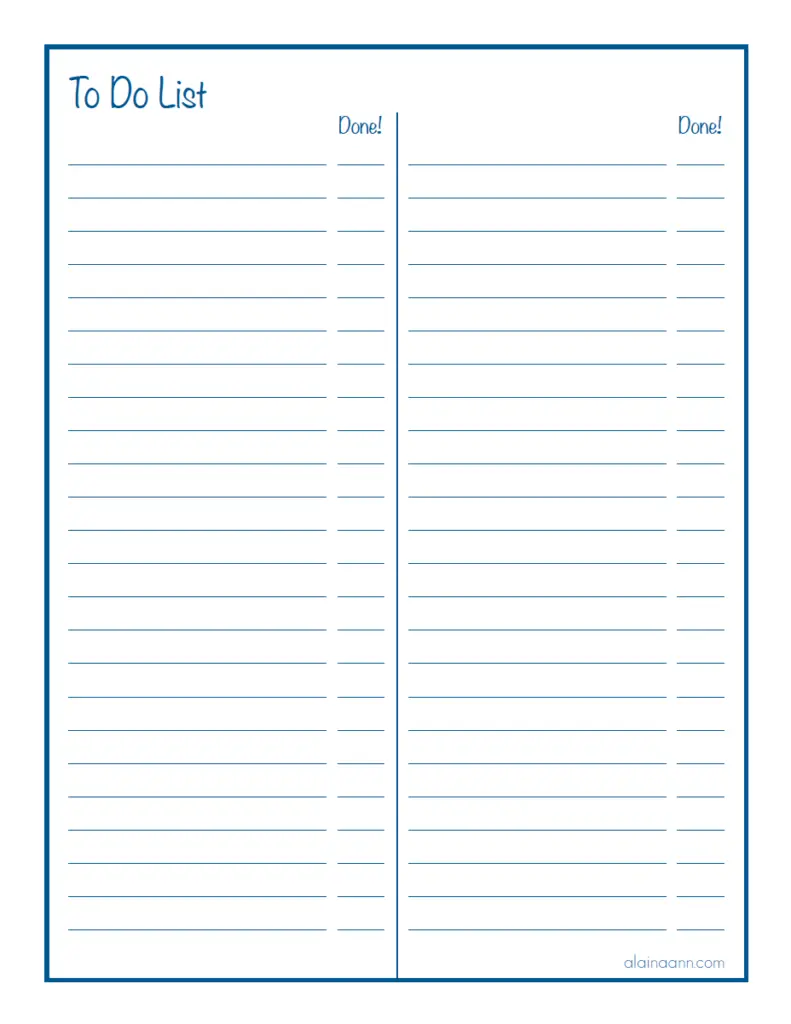
A 2 column checklist template is the simplest way to track tasks without adding extra structure. Keep one column for the item or step and the other for status or notes. That gives you a clean layout you can copy into a document, spreadsheet, or notes app and start using right away for errands, work tasks, packing, or step-by-step reviews.
source: www.wordtemplatesonline.net
The basic layout only needs two clear labels: Item and Status. Under Item, list each task, object, or step in short phrases. Under Status, use a checkmark, a short word like Done or Pending, or a brief note such as waiting on approval. This works well because the second column can stay flexible without changing the format. For example, one row might be “Send invoice” and “Done,” while another says “Order supplies” and “Pending.”
Simple Template Layout
source: cl.pinterest.com
source: www.wordlayouts.com
Use this copy-ready structure in any plain document or spreadsheet: Item | Status. Add one line per task, then mark each row as needed. If you want a more visual checklist, leave the status cell blank and fill it with symbols such as [ ] and [x]. If you want more detail, keep the same two columns but use the second column for a short note instead of a completion mark. The format stays compact either way.
source: ourhappycorner.com
How to Adapt It
source: www.canva.com
The main advantage of a two-column version is flexibility without clutter. For shopping lists, the second column can hold quantity or checked status. For project steps, it can hold a completion mark, date, or quick comment. For filing or inventory, it can hold location or condition. The key is to keep the first column focused on the thing itself and let the second column capture only the most useful follow-up detail.
source: alainaann.com
If you need a checklist you can print quickly or paste into a spreadsheet, keep the template as plain as possible: one clear item column and one supporting column. That makes it easy to scan, update, and reuse without redesigning the page. Start with the two-column structure, then adjust the second column only when a specific task type needs a different kind of status note.